Ibo Player Installation Guide :
Android devices:
- Open the Google Play Store.
- Search for IBO Player Pro.
- Download and install the app.
Directe link: Download in Google Play
iOS devices:
- Open the Apple App Store.
- Search for IBO Player Pro.
- Simply install the app and launch it.
👉 Direct link: Download in App Store
LG Smart TV :
- Open the LG Content Store.
- Search for IBO Player Pro.
- Install the app and launch it.
- Directe Link : Download in LG App Store.
Samsung Smart TV:
- Go to Samsung Apps on your TV.
- Search for IBO Player Pro.
- Download and activate the app.
- Download de app voor Samsung TV: https://shorturl.at/nAOUY
Download de Apk voor Android, Amazon Fire TV: https://iboproapp.com/ibopro.apk (downloadcode 481220)
IBO Player Pro App Installation Guide for FireStick
Download and install the IBO PlayerPro APK.
On the FireStick Home screen, go to Search.
Find and install the Downloader app.
Ga naar Instellingen > Mijn Fire TV > Ontwikkelaarsopties en activeer Allow unknown sources.
Open the Downloader app and enter this code: 834339
Setting up IPTV in IBO Player Pro
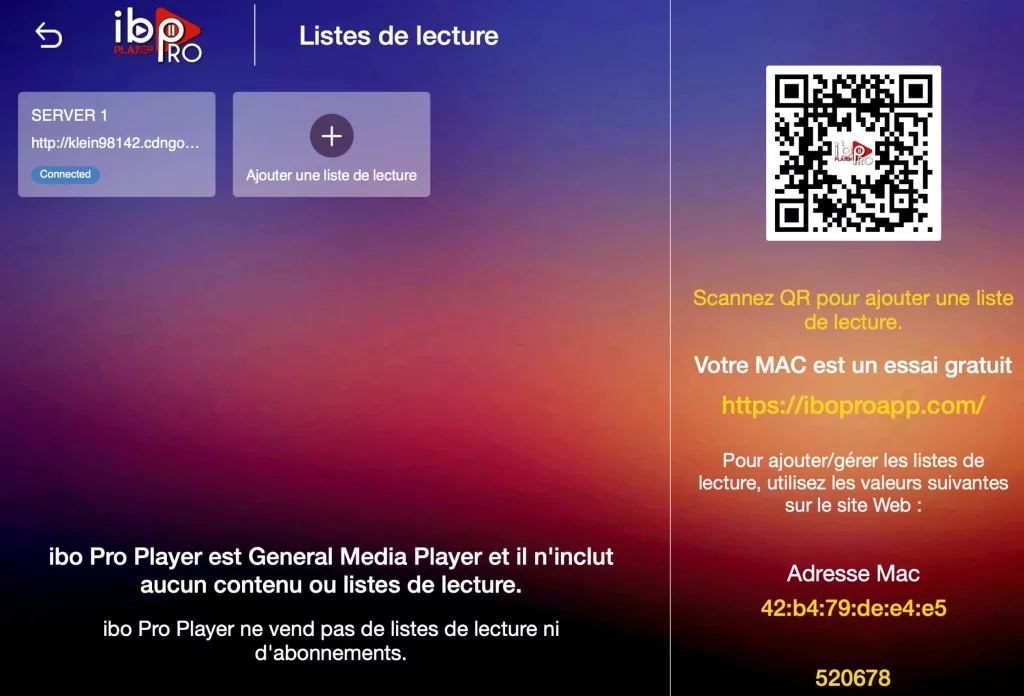
1. Open the app and note down your MAC address and Device Key (important for activation).
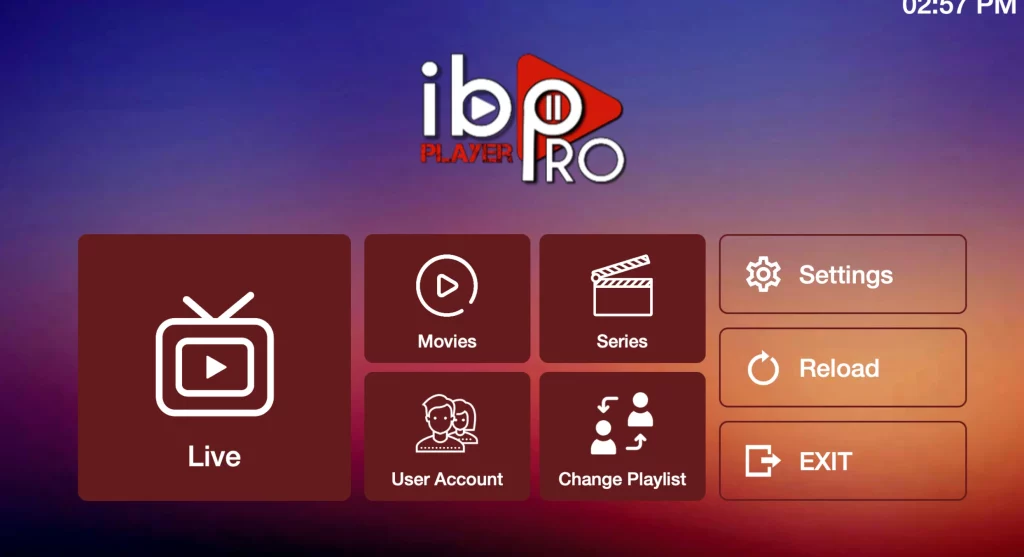
2. Go to Change Playlist in the start menu.
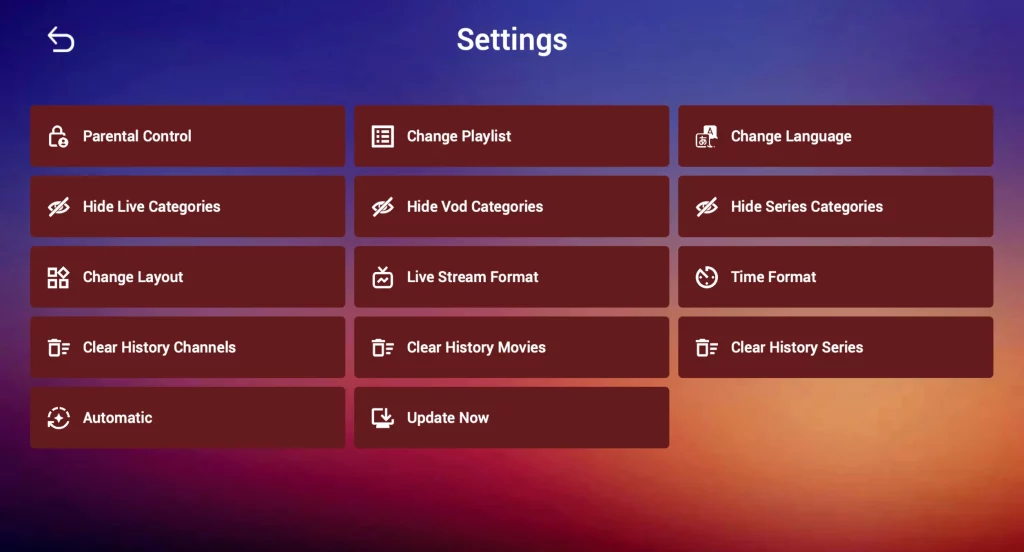
3. Select Add Playlist.
Select whether you want to connect via:
- M3U-link
- Xtream Codes API (recommended)