
TiviMate Player Installation Guide :
Step 1: Install the app
Download and install TiviMate Player from the Google Play Store on your Android TV.
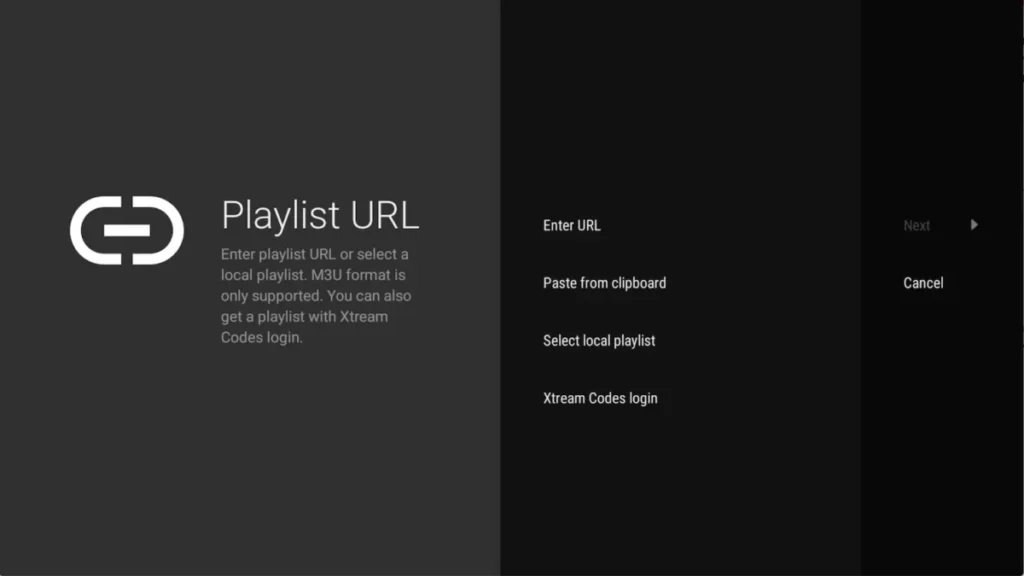
Step 2: Add a playlist
Open the app en selecteer ‘ADD PLAYLIST’. You can choose from:
- M3U link (local file).
- Remote playlist (enter URL).
- Xtream Codes Login (recommended method).
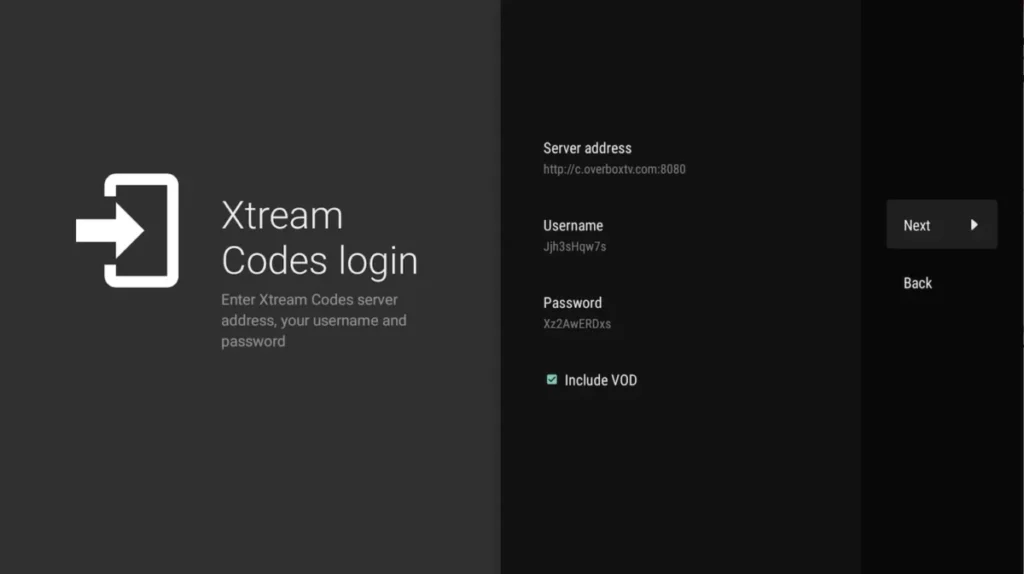
Step 3: Use Xtream Codes login
Select Xtream Codes Login and enter the details you received.
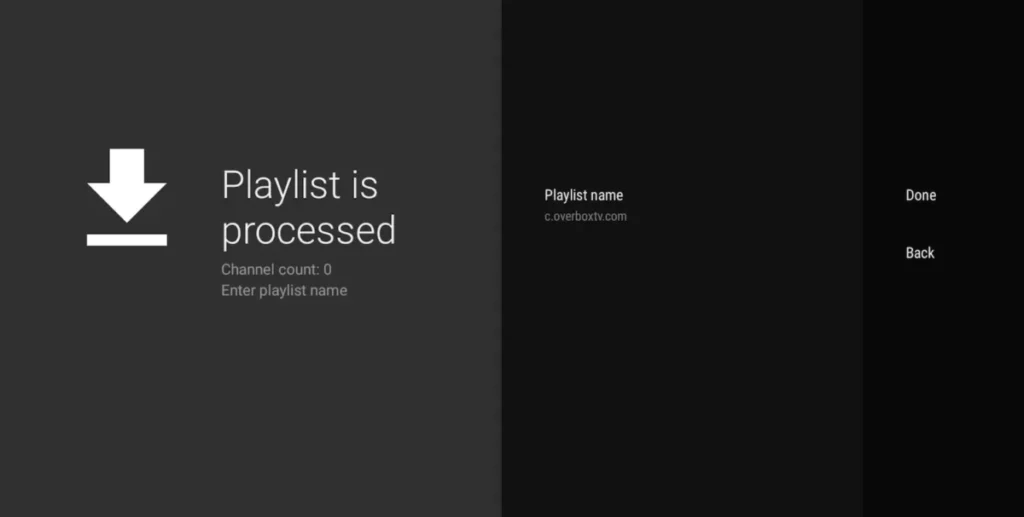
Tips for optimal use of TiviMate
- Use a stable internet connection for smooth streaming.
- Add your favorite channels for quick access.
- Check regularly to see if an update for the app is available.